
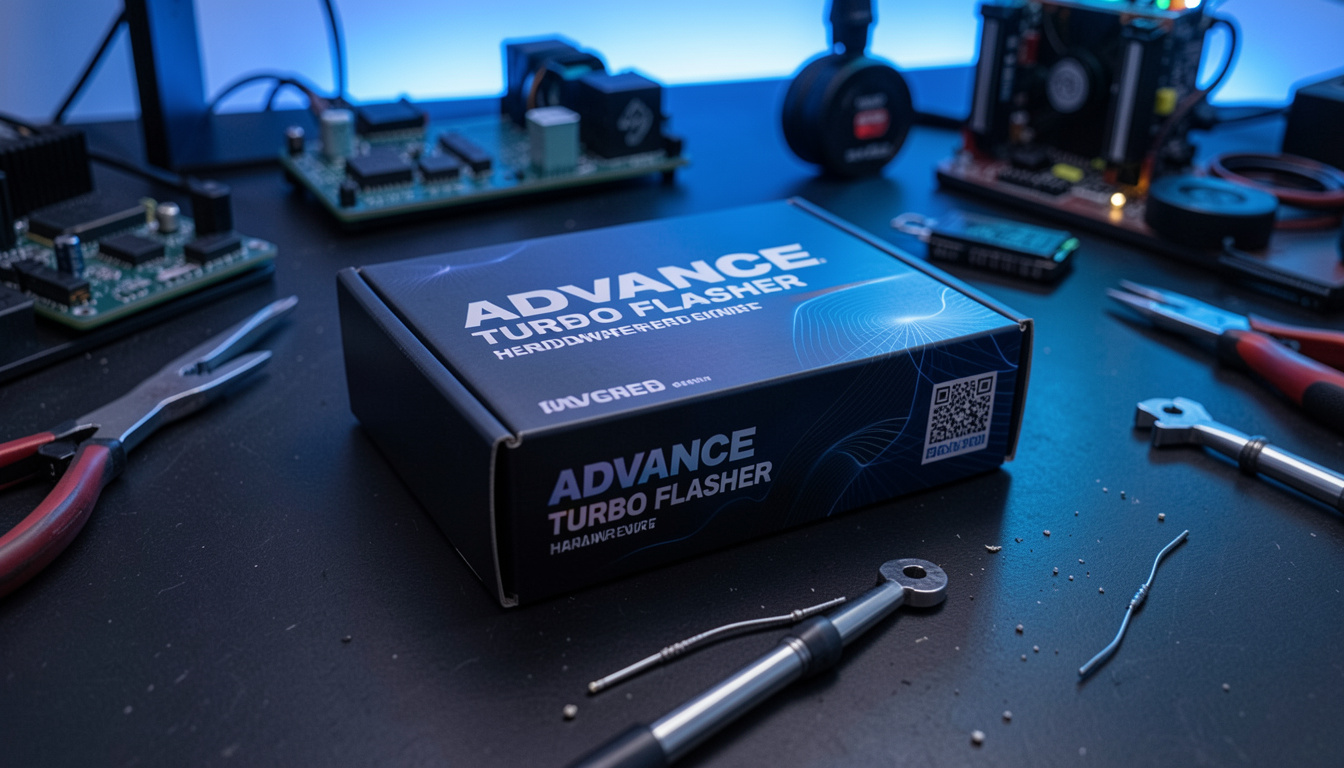
Advance Turbo Flasher: Complete Guide to Features, Uses and Benefits
Mobile repair technology continues to improve as technicians need faster and more reliable solutions for device servicing. Advance Turbo Flasher is a tool that has gained attention among mobile repair professionals because it helps with various firmware-related tasks, device management processes, and technical maintenance operations.
For many repair specialists, having the right flashing tool can save time and improve workflow efficiency. Instead of depending on multiple separate programs, technicians often look for solutions that support different devices and provide practical repair features in one place.
Understanding how Advance Turbo Flasher works, what it offers, and how professionals use it can help beginners and experienced technicians make better decisions. This guide explains the main features, advantages, supported functions, safety considerations, and important details about this type of mobile servicing tool.
What Is Advance Turbo Flasher and How Does It Work?
Advance Turbo Flasher is a mobile servicing and firmware management tool designed for technical users who work with smartphone software systems. These tools are commonly used by repair technicians to perform operations related to device software, including firmware installation, maintenance procedures, and troubleshooting tasks.
A smartphone contains both hardware and software components. When software problems appear, such as system errors, boot issues, or corrupted firmware, technicians may need specialized tools to restore proper functionality.
Advance Turbo Flasher works by connecting a supported mobile device to a computer. The software communicates with the device and allows technicians to perform selected repair operations.
Common functions associated with professional flashing tools include:
- Firmware installation
- Software recovery processes
- Device maintenance
- Error troubleshooting
- System updates
- Diagnostic operations
The exact features depend on the version, device compatibility, and manufacturer support.
Key Features of Advance Turbo Flasher
The popularity of Advance Turbo Flasher comes from the practical features it provides for mobile servicing environments.
Firmware Flashing Support
One of the main purposes of flashing software is installing or repairing device firmware.
Firmware acts as the communication layer between hardware and operating systems. If firmware becomes damaged, the device may experience:
- Boot loops
- Software crashes
- Performance problems
- System instability
A professional flashing tool can help technicians restore the correct software environment.
Device Repair Assistance
Mobile repair shops often handle different software-related problems every day.
A flashing solution can assist with:
- Software errors
- Failed updates
- Recovery issues
- Device optimization
This allows technicians to diagnose problems more effectively.
User-Friendly Interface
A good repair tool should provide a clear interface that makes technical processes easier to manage.
Many professional users prefer software with:
- Organized menus
- Simple navigation
- Clear instructions
- Status information
A clean interface reduces mistakes during complicated repair procedures.
Multiple Device Compatibility
Mobile repair professionals often work with different smartphone brands.
Compatibility is an important factor because every manufacturer uses different systems and firmware structures.
Before using any flashing tool, technicians should verify:
- Supported brands
- Supported models
- Required drivers
- Software version compatibility
How Advance Turbo Flasher Helps Mobile Repair Professionals
Repair technicians need tools that improve productivity and reduce unnecessary delays.
Advance Turbo Flasher can support professionals by providing a structured way to handle software maintenance tasks.
Faster Troubleshooting
Software problems can take hours to diagnose manually.
Specialized tools help technicians identify issues and apply solutions more efficiently.
Better Repair Workflow
A repair business depends on organized processes.
Using suitable software tools helps technicians:
- Manage repair tasks
- Reduce repeated steps
- Improve customer service
- Complete jobs faster
Professional Device Maintenance
Regular software maintenance can improve device performance.
Technicians may use flashing tools during:
- System restoration
- Software upgrades
- Device recovery
Proper maintenance helps extend the usable life of smartphones.
Advance Turbo Flasher Installation and Setup Guide
Before using any technical flashing software, proper installation is important.
A basic setup process usually includes several steps.
Check System Requirements
Before installation, confirm that your computer supports the software.
Important requirements may include:
- Compatible operating system
- Enough storage space
- USB connectivity
- Required drivers
Install Necessary Drivers
Drivers allow communication between the computer and mobile device.
Without correct drivers, the software may fail to recognize connected devices.
Connect the Device Properly
Technicians usually connect smartphones using a quality USB cable.
A stable connection helps prevent interruptions during technical operations.
Follow Software Instructions Carefully
Flashing processes can affect device software.
Users should always:
- Read instructions
- Verify device information
- Use correct firmware files
- Avoid interrupting operations
Benefits of Using Advance Turbo Flasher
Professional repair tools provide several advantages when used correctly.
Saves Time
Manual troubleshooting can be slow.
Specialized software helps technicians complete common tasks more efficiently.
Improves Repair Accuracy
Using the correct firmware and procedures reduces the chance of software mistakes.
Supports Professional Services
Repair businesses need dependable tools to serve customers.
Efficient software solutions can help technicians handle more repair requests.
Helps With Software Recovery
Many smartphone issues are caused by software problems rather than hardware damage.
Flashing tools provide options for restoring device functionality.
Safety Tips Before Using Flashing Tools
Although flashing software can be useful, users should understand the risks.
Incorrect procedures may cause problems such as:
- Data loss
- Software errors
- Device instability
- Failed installations
Following safety practices is important.
Backup Important Data
Before performing major software operations, always save important files.
Backup items may include:
- Photos
- Contacts
- Documents
- Personal files
Use Correct Firmware
Installing incorrect firmware can create serious problems.
Always confirm:
- Device model
- Region
- Firmware version
Understand Technical Procedures
Flashing is generally designed for experienced users.
Beginners should learn the process carefully before attempting advanced operations.
Advance Turbo Flasher vs Traditional Repair Methods
Modern software tools have changed the mobile repair industry.
Traditional repair methods often required more manual testing and longer troubleshooting periods.
| Feature | Flashing Tools | Traditional Methods |
|---|---|---|
| Speed | Faster software operations | More manual work |
| Accuracy | Depends on correct files | Depends on technician skill |
| Workflow | Organized process | More time-consuming |
| Maintenance | Easier software management | Requires more steps |
Professional technicians often combine software tools with hands-on repair knowledge.
Frequently Asked Questions About Advance Turbo Flasher
What is Advance Turbo Flasher used for?
Advance Turbo Flasher is generally associated with mobile servicing tasks such as firmware management, software troubleshooting, and device maintenance.
Is Advance Turbo Flasher suitable for beginners?
Beginners should learn basic mobile repair concepts before using advanced flashing tools because incorrect procedures may affect device software.
Can flashing repair all smartphone problems?
No. Flashing mainly addresses software-related problems. Hardware issues usually require physical repair.
Does flashing erase phone data?
Many flashing processes can remove stored data. Users should create backups before performing software operations.
Why are drivers important for flashing tools?
Drivers allow the computer and mobile device to communicate correctly during repair procedures.
Is firmware compatibility important?
Yes. Using incorrect firmware can cause errors, so technicians should verify device details before starting.
Final Thoughts on Advance Turbo Flasher
Advance Turbo Flasher represents the type of technology that helps mobile repair professionals manage software-related challenges more efficiently. As smartphones become more advanced, reliable repair tools continue to play an important role in maintaining device performance.
The value of a flashing tool depends on proper usage, correct firmware selection, and technical knowledge. Professionals who understand device systems can use these solutions to improve repair workflows and provide better service.
Whether you are exploring mobile repair as a career or improving an existing repair business, learning how flashing technology works can provide valuable technical skills. With careful preparation, safe practices, and accurate procedures, tools like Advance Turbo Flasher can become useful resources in modern smartphone maintenance.
Read Also: Garage Sales Near Me: Find Local Deals Today